WellWired Journal
How AI Can Help You Organise and Edit Photos
Learn how AI in your phone's photo app can help you sort, find, and improve your pictures, plus tips on keeping them safe.
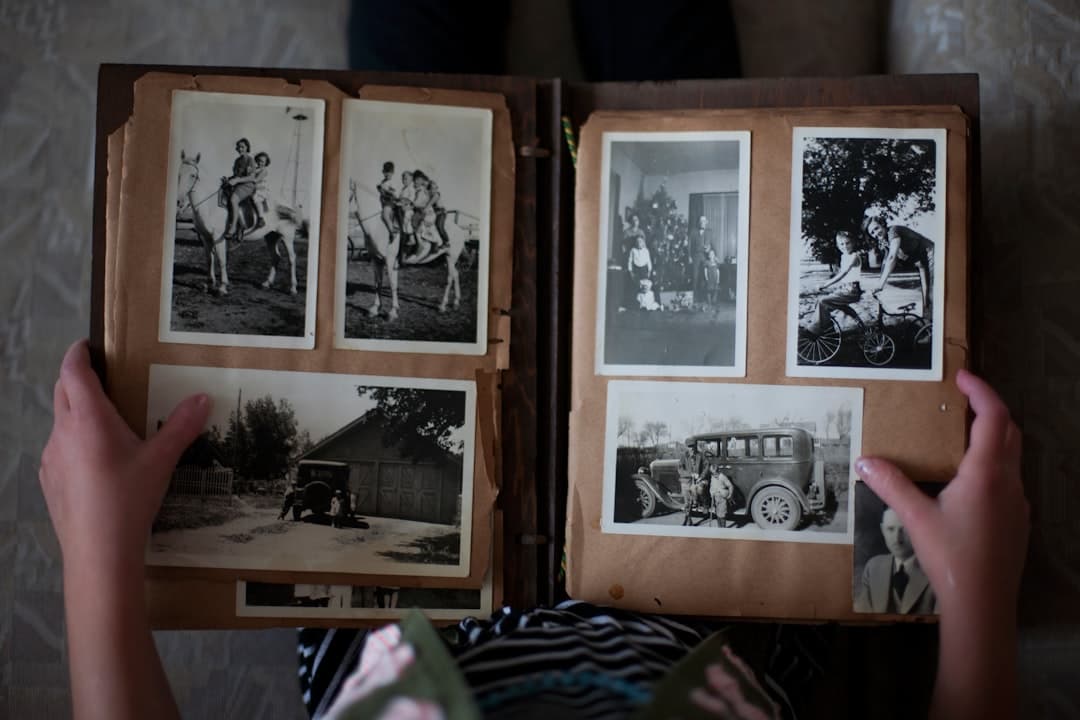
Quick Summary: Most photo apps now have built-in AI that groups pictures of people and places, making it easy to search for things like "beach" or "cat". This guide suggests a calm way to get organised: start with one holiday or month, pick your favourites, and delete the rest. It also explains the simple 'enhance' buttons that improve colour and light, and why it's wise to back up your photos and be careful with what you share online.
If your phone is full of photos, you're not alone. It's easy to feel overwhelmed. Most photo apps now have clever tools that can help you sort out the mess without spending hours on it.
This guide explains how these tools work and how to use them safely. We've tested the photo organisation features in both Apple Photos and Google Photos and found them genuinely useful once you know where to look.
How AI helps with organising
Most photo apps use AI to automatically group your pictures. It recognises faces, places, and even objects. This is how you can type "dog" or "seaside" into the search bar and see all the right photos pop up.
It's a very handy way to find a specific memory when you need it.
A simple way to tidy your library
The trick is to start small. Don't try to sort thousands of photos at once. Just pick your last holiday, or even just one month.
Gather those photos into an album, then look for any that are nearly the same. AI is quite good at spotting these near-duplicates, which makes the clean-up much faster.
AI editing in plain English
You've probably seen buttons in your photo app called "Enhance" or "Auto". When you press one, AI adjusts the light and colour to make the picture look a bit better. It can often improve a photo that looks too dark or washed out.
A small touch-up usually looks more natural than a big, dramatic change.
Questions you can ask an AI chatbot
If you use a tool like ChatGPT, you can ask it for advice on how to manage your photos. Here are a few ideas.
- "Give me a simple, step-by-step plan to organise my phone's photo library."
- "What's a good way to sort photos by year and event?"
- "Can you suggest a simple folder system for my family photos?"
- "What's the safest way to back up my photos?"
- "How do I decide which pictures to keep after a big trip?"
A note on privacy and family photos
Think carefully about pictures that show children or private family moments. It's best to keep them in trusted apps and avoid uploading them to public websites.
It's also worth checking your cloud settings to see where your photos are being stored and who can see them. Our guide to staying safe with AI has advice on cloud privacy that applies here too.
A workflow that doesn't feel like work
Try this: pick one month, create an album for it, and go through and 'favourite' the best shots. Delete the obvious duds. That's it.
Once you've done one month, you'll find the next one feels much easier. It's a calmer approach than trying to tackle everything in one go.
Don't forget to back up
AI is great for finding photos, but it can't recover pictures you've accidentally deleted. Make sure your photos are backed up, either to a trusted cloud service or a separate hard drive.
If you're not sure how, you can ask an AI chatbot for a simple plan.
Sharing and printing made easy
When your photos are organised, it's much simpler to share them. You can quickly put together an album of a grandchild's birthday or a recent holiday.
An organised library also makes it easier to pick out the best pictures for a photo book.
Keep the originals safe
AI edits are useful, but it's always a good idea to keep the original photo. Most apps let you undo changes, but having a clean copy is the safest bet.
That way, you can always go back if you decide you don't like an edit later on.
Helpful links for beginners
These pages can help you learn more about AI and stay safe.
- What is AI?
- How to use ChatGPT
- Try AI now
- Practical uses for AI
- Glossary of simple AI terms
- Common fears about AI
- Learn more with simple guides
- Back to the blog
- Staying safe with AI
- Apple Photos Support - Step-by-step guides for photo features on iPhone and iPad.
- Google Photos Help - Official help centre for Google Photos on Android and web.
- AbilityNet - Advice on using phone cameras and photo apps if you have a disability or vision difficulty.
FAQ
Do photo apps use AI automatically?
Yes, most do. It's how they sort and group pictures. You can often control these features in the app's settings if you'd prefer not to use them.
Can AI really fix a blurry photo?
It can often sharpen a slightly soft photo, but it can't create detail that isn't there. The result might look a bit better, but it won't be perfect.
Is storing photos in the cloud safe?
It can be, as long as you use a well-known service and a strong password. If two-factor authentication is offered, it's always a good idea to turn it on.
Start with one calm, practical guide.
A friendly 5-page guide to help you understand AI, know what to try first, and avoid the most common mistakes. You'll also get a weekly plain-English email. Unsubscribe anytime.
About the Author

Want to keep learning?
Explore more in-depth guides or start a structured learning path built for beginners.