WellWired Journal
Is AI Listening to Me? Privacy Myths Explained
A balanced, friendly look at AI and privacy, why it can feel like your phone listens, and simple steps to feel safer.
Quick Summary: This article tackles the common worry that your phone is listening to you. It explains that most targeted ads come from tracking your searches, apps, and browsing data rather than secret microphone recordings. It notes that smart speakers listen for a wake word and may record after that, so reviewing and deleting recordings can help. AI is involved in analysing data, which is why ads feel personal, but you can reduce tracking by adjusting app permissions, turning off microphone access when it is not needed, and changing ad personalisation settings on Google, Apple, or Facebook. It also reminds readers that AI chat tools respond to what you type, not what your microphone hears. It suggests checking privacy labels in app stores and turning off voice assistants you do not use. The main answer is that privacy concerns are real but manageable with simple settings and habits.
You might have wondered if your phone is listening to you, especially after an advert pops up for something you just talked about. It's a common worry.
AI doesn't magically listen to your conversations by itself. The bigger issue is how apps collect data and how ads are targeted.
Why it feels like your phone is listening
Ads are often based on what you search for, websites you visit, and apps you use. This can make it feel like your phone heard a private chat, even when it didn't.
It's unsettling, but it's usually about tracking and data, not secret microphones.
What about smart speakers?
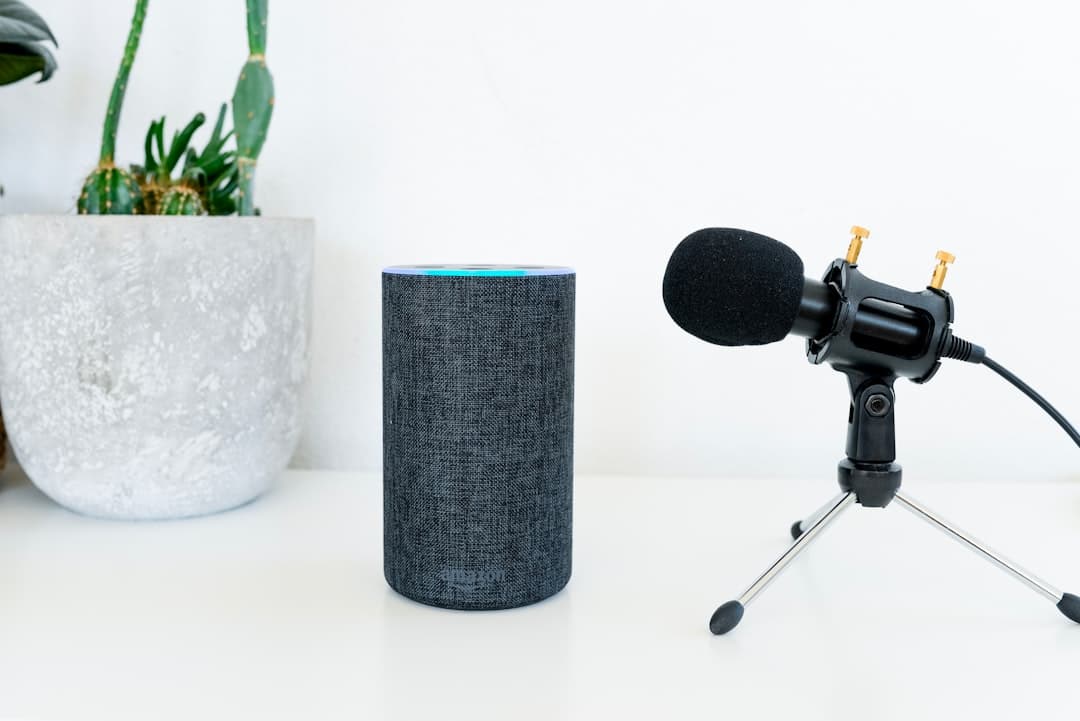
Smart speakers are designed to listen for a wake word like "Alexa" or "Hey Google." They are meant to record after the wake word, not all the time.
Still, mistakes can happen. It's fine to review your settings and delete recordings if you want to.
How AI fits into this
AI helps companies analyse large amounts of data. That can improve recommendations and adverts, but it also raises privacy concerns.
The best approach is to limit what data you share and to check privacy settings on your devices. If you're nervous about AI more broadly, our guide to common worries about AI is worth a read.
Simple privacy steps you can take
- Check app permissions and turn off microphone access if it isn't needed
- Review your ad settings on Google, Apple, or Facebook
- Use a browser that blocks tracking cookies
- Turn off voice assistants if you don't use them
- Read privacy options on new apps before you accept
The UK's Information Commissioner's Office has a helpful guide on protecting your privacy online if you want to go further with this.
Using AI chat tools safely
AI chat tools aren't listening to your microphone. You type your questions, and they answer. The main risk is sharing personal details in the chat. For a detailed list of what to keep private, see our guide on what you should never tell ChatGPT.
Our AI safety guide explains what to avoid sharing.
Where to check your settings
If you're concerned, take five minutes to look at your device settings. You can see which apps have microphone access and switch it off for the ones that don't need it. We've checked these settings on both Android and iPhone, and it typically takes less than five minutes to make a noticeable difference.
You can also review ad settings in your Google or Apple account. Turning off personalisation can reduce that "it's listening" feeling.
Myth vs reality
- Myth: AI tools secretly record your chats. Reality: chat tools respond to what you type
- Myth: Your phone hears everything. Reality: most tracking is based on browsing and app data
- Myth: You can't change this. Reality: privacy settings give you real control
Reduce tracking without stress
You don't have to change everything at once. Start by turning off personalised ads and clearing app permissions you don't need. That alone can make a big difference.
If you want to go further, use a private browsing mode for sensitive searches.
Other devices in the home
Smart TVs and streaming boxes can also collect viewing data. If that worries you, check the privacy settings and turn off personalised recommendations.
Small changes across a few devices can make your digital life feel calmer.
Review and delete recordings
Many voice assistants keep a history you can delete. If that makes you more comfortable, clear it now and then.
Look for privacy labels
App stores often show what data an app collects. It is worth a quick glance before you install something new.
Helpful links for beginners
These pages will help you learn more about AI and privacy.
- What is AI?
- How to use ChatGPT
- Try AI now
- Practical uses for AI
- Glossary of simple AI terms
- Common fears about AI
- Learn more with simple guides
- Back to the blog
- Staying safe with AI
FAQ
Is my phone always listening?
It's unlikely to be recording everything, but apps can collect lots of data. Check your permissions and settings for peace of mind.
Do AI tools listen to my microphone?
Chat based tools only respond to what you type. If a tool uses voice, it should be clear when it's recording.
How can I feel safer online?
Limit app permissions, keep software up to date, and avoid sharing personal details in chats or forms.
Start with one calm, practical guide.
A friendly 5-page guide to help you understand AI, know what to try first, and avoid the most common mistakes. You'll also get a weekly plain-English email. Unsubscribe anytime.
About the Author

Want to keep learning?
Explore more in-depth guides or start a structured learning path built for beginners.